AI tools are safe to use if you follow a few rules. Most problems come from three things: sharing data you shouldn't, trusting output you shouldn't, and scammers who now use AI too.
1. Know where your words go
When you type into an online AI service, your text is sent to that company's servers. Depending on the service and your settings, conversations may be stored, reviewed by people for safety or quality, or used to train future models. Policies differ between companies and between free, paid and business plans, and they change.
What to do:
- Open the tool's settings and look for data or privacy controls, such as an option to stop your chats being used for training, and chat history settings.
- Read the provider's own privacy page for your plan rather than relying on what someone online says (including us).
- At work, check your company's AI policy. Many companies only allow approved tools.
2. Never paste these into a public AI tool
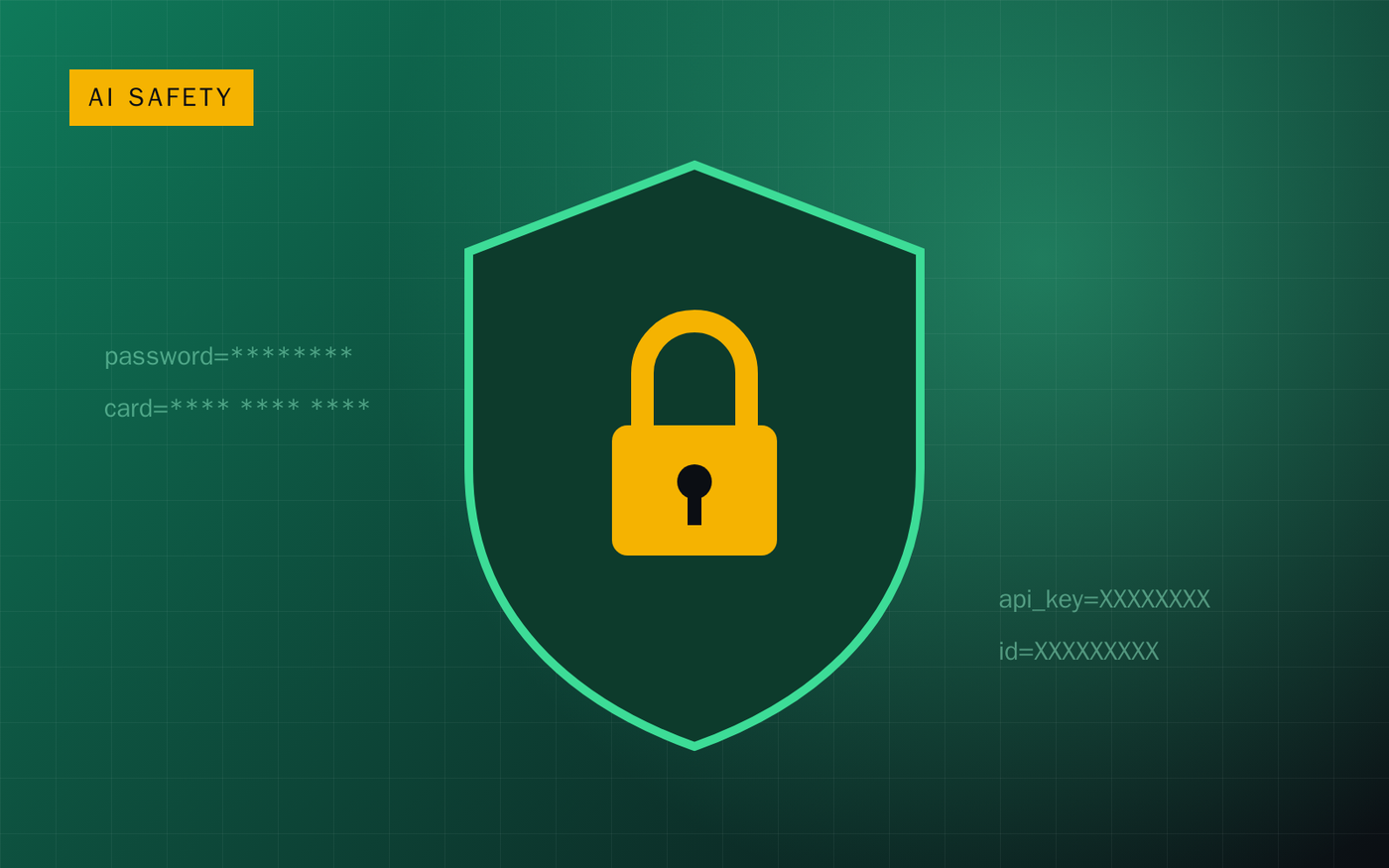
- Passwords, PINs, recovery codes, API keys
- Bank card numbers or account details
- ID documents: passport, national ID, driving licence numbers
- Other people's private information: customers, patients, students, colleagues
- Confidential work documents, unless your employer has approved the tool
If you need help with a document that contains private details, replace them first: "Customer A", "£X", "[address]".
For sensitive work, a model running entirely on your own computer keeps the text on your machine. See how to run AI locally.
3. Watch for AI-powered scams
- Voice clones. A short audio clip can be enough to imitate someone's voice. If "your child" or "your boss" calls asking for urgent money, hang up and call them back on the number you already have. Some families agree on a code word.
- Fake videos and photos. Celebrity "investment" videos and fake news clips are increasingly realistic. Real celebrities aren't sending you trading tips.
- Better-written phishing. Scam emails no longer have obvious spelling mistakes. Judge the request, not the grammar: urgency, payment, login links and secrecy are the warning signs.
- Fake AI apps and extensions. Download apps only from the official website or official app stores, and check the publisher's name.
- "AI trading bots" promising guaranteed profit. No tool can guarantee returns. Treat that promise as a scam.
4. Don't hand over decisions
AI can be confidently wrong (see how to spot hallucinations). For medical, legal, financial or safety decisions, use it to understand the topic and prepare questions, then confirm with a qualified person or an official source.
5. Be honest about using it
- School and university: rules on AI vary by institution and even by assignment. Check before you use it, and say when you did.
- Work: you're still responsible for what you send. Review AI-written text and code as if a new colleague wrote it.
- Publishing: don't present AI output as personal experience or tested fact unless it is.
Quick checklist
- ☐ I checked this tool's privacy settings.
- ☐ I removed personal and confidential details.
- ☐ I'll verify facts, numbers and links before using them.
- ☐ For urgent money or login requests, I confirm through another channel.
- ☐ I'm allowed to use AI for this (school or work rules).
Key points
- Online AI tools send your text to the provider. Check its privacy settings and policy for your plan.
- Never paste passwords, card numbers, ID numbers or other people's private data.
- Confirm urgent money or login requests through a channel you already trust; voices and videos can be faked.
- Use AI to understand medical, legal and money topics, then confirm with a qualified person.