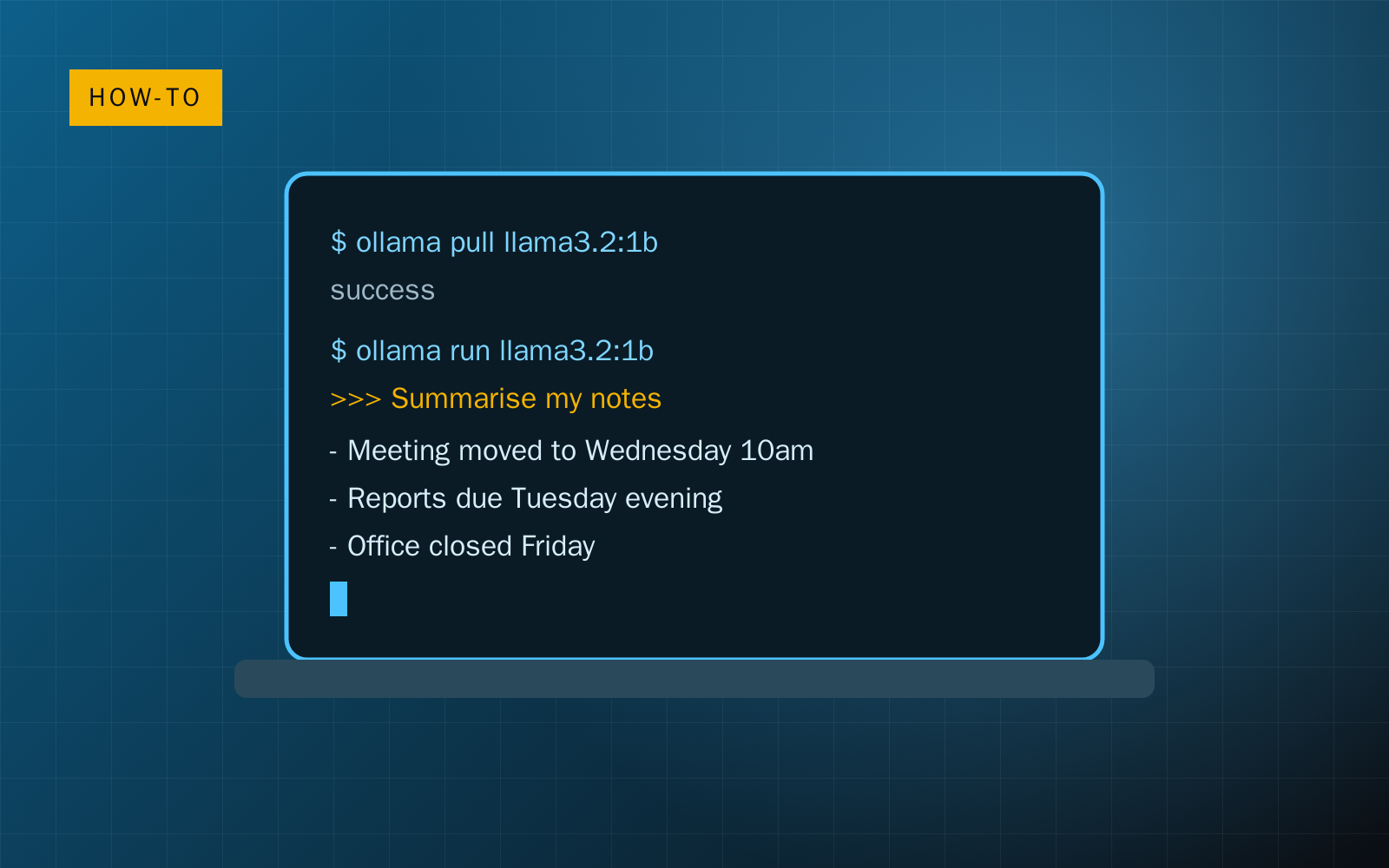
You don't need a subscription to use an AI model. With a free tool called Ollama you can download an open model and run it on your own computer. Your text never leaves the machine, it works offline once the model is downloaded, and it costs nothing per message.
The trade-off: small local models are less capable than the big online ones. They're great for summaries, rewriting, simple questions and experimenting. They're weaker at hard reasoning and facts, and they make more mistakes (see checking AI answers).
Tested for this post with Ollama 0.12.6 and the llama3.2:1b model on Linux. Commands are the same on macOS and Windows unless noted.
What you need
- Windows, macOS or Linux.
- Around 8 GB of RAM is comfortable for small models (1 to 3 billion parameters). Bigger models need more RAM, and a recent graphics card makes them much faster, but it isn't required.
- A few GB of free disk space. The model in this tutorial is 1.3 GB.
Step 1: install Ollama
- Windows and macOS: download the installer from ollama.com/download and run it.
- Linux: the official install command is on the same page. At the time of writing it's:
curl -fsSL https://ollama.com/install.sh | shCheck it worked by opening a terminal (Command Prompt or PowerShell on Windows) and running:
ollama --versionStep 2: download a model
Models are listed at ollama.com/library. Start small. Meta's Llama 3.2 1B is quick to download and runs on modest hardware:
ollama pull llama3.2:1b
ollama list
ollama list shows what you have. Ours showed:
NAME           ID              SIZE      MODIFIED
llama3.2:1b    baf6a787fdff    1.3 GB    7 seconds ago
Once that works, try a larger model from the library if your computer has the memory. Bigger models are generally better but slower.
Step 3: chat with it
Ask a single question:
ollama run llama3.2:1b "In one sentence, what is a large language model?"Or run ollama run llama3.2:1b with no question to start an interactive chat. Type /bye to exit.
Our test answer was mostly good, but claimed the model keeps learning "over time", which is wrong (here's why). Small models need checking.
Step 4: use it from your own programs
While Ollama runs, it serves a local API at http://localhost:11434. Any program on your computer can send it text. Test it with curl:
curl http://localhost:11434/api/generate -d '{
  "model": "llama3.2:1b",
  "prompt": "Say hello in five words.",
  "stream": false
}'
The reply is JSON, and the answer is in the response field. (Ours said "Hello, it's nice to meet you.", which is six words. Even simple instructions aren't always followed exactly.)
Step 5: a small automation that summarises your notes
This Python script uses only the standard library, so there's nothing extra to install. It reads a text file and asks the local model for a 3-point summary. Save it as summarize.py:
import json
import sys
import urllib.request

text = open(sys.argv[1], encoding="utf-8").read()
body = json.dumps({
    "model": "llama3.2:1b",
    "prompt": "Summarise this in 3 bullet points:\n\n" + text,
    "stream": False,
}).encode()
req = urllib.request.Request("http://localhost:11434/api/generate", data=body,
                             headers={"Content-Type": "application/json"})
with urllib.request.urlopen(req) as r:
    print(json.load(r)["response"])
Put some text in notes.txt and run:
python3 summarize.py notes.txt(On Windows, use python instead of python3 if that's how Python is installed.) We tested it with short meeting notes, and the model returned three accurate bullet points. It did add a small detail that wasn't in the notes, calling the 10am meeting "the morning meeting". Harmless here, but a good reminder to read summaries against the original when it matters.
Ideas to take it further: loop over every file in a folder, change the prompt to "extract all dates and deadlines", or save the output to a file.
Troubleshooting
- "connection refused" on port 11434: Ollama isn't running. Open the Ollama app, or run
ollama servein a separate terminal. - Very slow answers: the model is too big for your hardware. Try a smaller one.
- "model not found": check the exact name with
ollama listand pull it first.
Freeing up space
ollama rm llama3.2:1bLicences
Each open model has its own licence, linked from its library page. Personal use is generally fine. If you plan to build a product on one, read its licence first.
Key points
- Ollama runs open AI models on your own computer: free, offline after download, private.
- Start small (llama3.2:1b is 1.3 GB) and try bigger models if your RAM allows.
- Ollama's local API on port 11434 lets your own scripts use the model.
- Small models make more mistakes, so check their output.